
Interface
Auctions System
At EvolutionMu, the Auctions System allows you to trade equipment with the entire community, place bids in real time, and list your own items with customizable durations.
🔨 Accessing the Interface
You can open the auctions panel at any time by expanding the left slide-out menu on your screen and clicking the AUCTIONS button.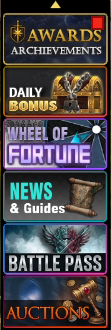
📋Main Auctions Panel
Upon entering, you will access the main window displaying available listings and management tools: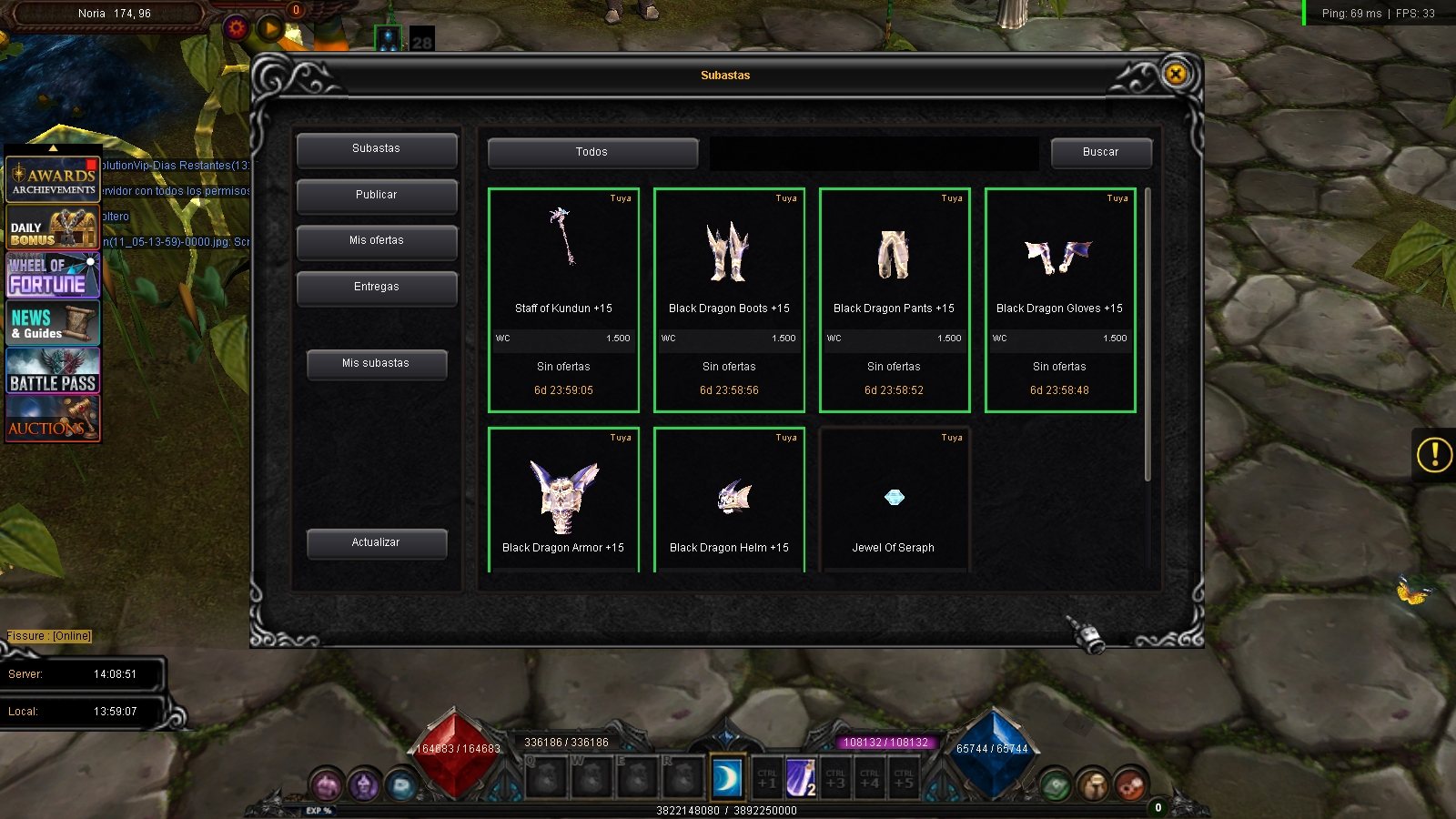
⚙️Menu Options and Features
On the left panel, you will find the following sections to manage your transactions:
• Auctions: Displays all currently active server auctions along with their starting bid, placed offers, and remaining time.
• Publish: Opens the listing window by automatically detecting eligible items in your inventory. It functions similarly to a Personal Store, allowing you to set the starting price and auction duration (1 hour, 3 hours, 6 hours, 12 hours, 1 day, 3 days, or 7 days).
• My Bids: Tracks and lists all auctions where you have actively placed a bid to compete for the item.
• Deliveries: Once an auction ends, if your bid was the winning one, you can claim and collect your item directly from this tab.
• My Auctions: Displays all listings you have created. If no bids were placed on your item, you have the option to cancel the listing and recover your item.
• Refresh: Updates the listing feed in real time to view the latest posted items and updated bids.
|
Important! Regularly check the Deliveries tab after auctions conclude to claim your won items. Keep in mind that once an auction receives at least one valid bid, it can no longer be canceled by the seller. |